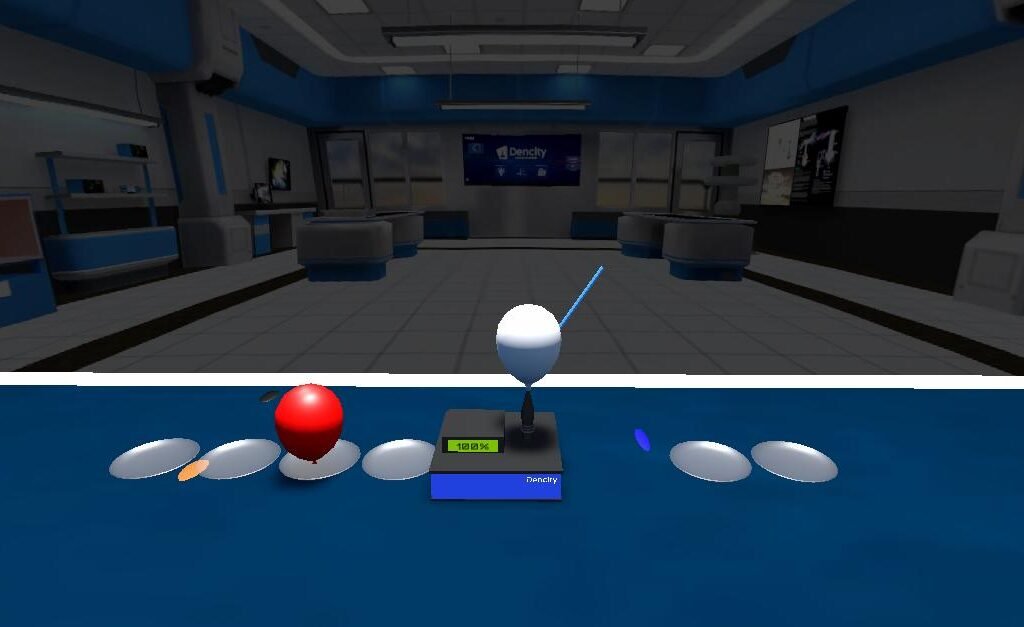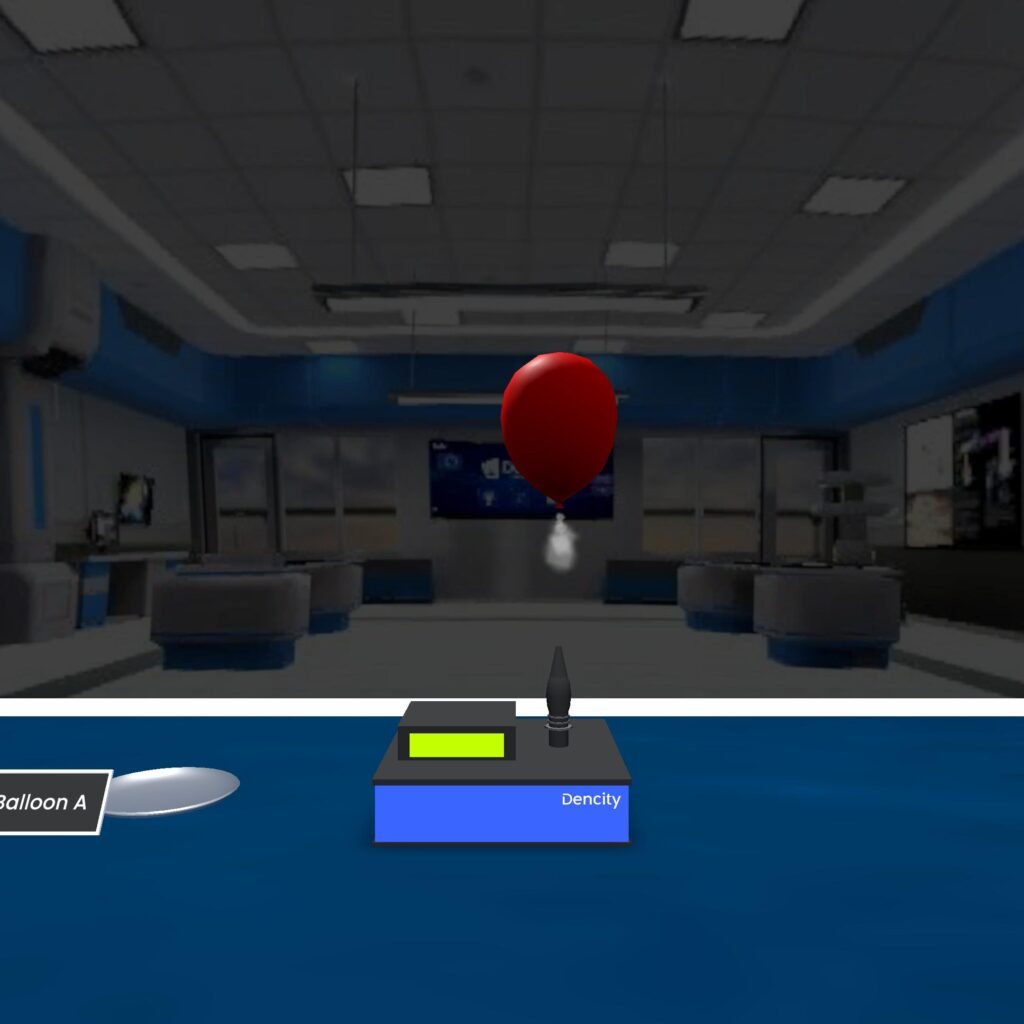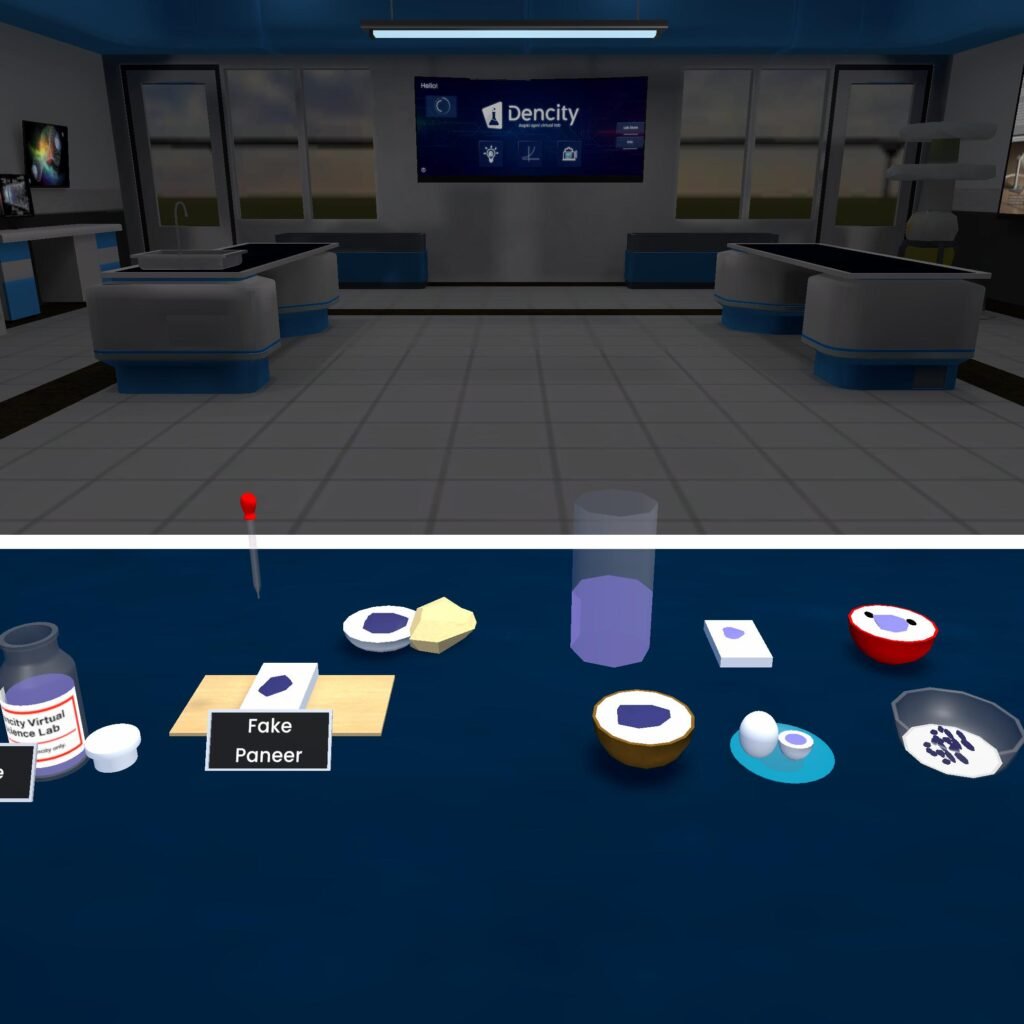

Do you feel that the way of teaching in classrooms has changed significantly over the years? Traditional classrooms are being enhanced by digital tools, and nowhere is this more exciting than in the field of science education. Imagine conducting complex science experiments without worrying about safety, cost, or logistics.
With the introduction of virtual science lab platforms, this vision is now a reality—and Dencity App is leading the way with its interactive virtual science experiments.
Dencity provides a cutting-edge platform for virtual lab experiments, enabling teachers and students to interact with real-world scientific concepts through immersive simulations. Whether you’re teaching Newton’s laws or the properties of waves, Dencity turns the abstract into something tangible.
But how can educators effectively integrate these powerful tools into their teaching?
Let’s explore practical strategies, benefits, and tips to seamlessly bring online lab experiments into your classroom using the Dencity App.
Start with the Curriculum
The best way to integrate virtual labs is by aligning them with your existing syllabus. Dencity offers a categorized list of experiments—from Mechanics to Thermal Physics, Organic Chemistry, Microbiology, and Anatomy. Teachers can easily pick simulations that correspond to the chapter being taught. For example,
- Teaching Newton’s Second Law? Use Dencity’s online science experiment simulation on force, mass, and acceleration.
- Exploring Thermodynamics? Try the “Melting and Boiling Point” simulation.
Set Up Virtual Classrooms
One of Dencity’s most powerful features is the ability to create a virtual lab for school classrooms. These allow students to:
- Join live sessions remotely.
- Collaborate and perform science experiments together.
- Be given control of the experiment by the teacher to explore scenarios independently.
A virtual lab for school promotes interactive teaching, where students actively engage with the learning process rather than passively watch a demonstration.
Assign Simulations as Homework
Not every experiment needs to be done during class time. Dencity enables teachers to assign online lab experiments as homework in less than 30 seconds. This is especially useful when lab time is limited or when you want to reinforce concepts at home.
Students get step-by-step guidance with calculations, making even the most complex concepts easier to understand. Plus, teachers can track submissions and performance with automated reports.
Use Step-by-Step Calculations for Concept Mastery
What truly sets Dencity apart is its integration of live calculations. Every online science experiment simulation comes with a detailed breakdown of physics and mathematics in action. This supports students who struggle with theoretical concepts by showing them how things work in practice.
Use this feature in class discussions. Pause the simulation at certain points, and ask students to predict what will happen next, or solve related questions on the board. It bridges theory and practice beautifully.
Enhance Collaboration with Drawing Tools
Sometimes, a visual explanation is more effective than words. Dencity includes drawing tools and whiteboards where teachers and students can sketch directly on the simulation. This visual, hands-on engagement promotes deeper understanding and retention. This is perfect for:
- Highlighting vectors, forces, or motion paths.
- Annotating parts of an anatomical diagram.
- Collaborating during group projects or assignments.
Leverage Multiple Perspectives
Dencity allows users to change camera angles, providing different viewpoints of the same virtual lab experiment. Being able to shift perspective helps students visualize abstract concepts more clearly. This feature is particularly useful in:
- Circular motion simulations where 3D movement is involved.
- Optics experiments to understand how light behaves in space.
- Understanding satellite orbits and projectile trajectories.
Promote Safe and Risk-Free Exploration
Some science experiments are too hazardous or expensive to perform in a school lab. For example, exploring pseudoforces in a moving truck or experimenting with nuclear chain reactions is impossible in a real classroom.
But Dencity makes these possible through safe, simulated environments. Students can experiment freely, learn from mistakes, and try again without any real-world consequences. This builds confidence and curiosity.
Make Learning Fun
Ultimately, Dencity brings joy to learning. It transforms textbook content into interactive experiences. Concepts like Kepler’s laws, Oxidation and Reduction, or the growth of tools in onion bulbs no longer feel distant; they become something students can see, manipulate, and understand intuitively. When students enjoy learning, they retain more, and that’s the goal of every teacher.
Ready to Transform Your Classrooms with Virtual Lab Experiments?
Dencity is transforming how we teach and learn science. With its immersive online science experiment simulations, real-time interaction, and interactive teaching tools, it empowers educators to bring science to life in ways never before possible. By integrating the Dencity app into your classroom, you’re not just teaching—you’re inspiring the next generation of thinkers, tinkerers, and scientists.
Q&A Corner
Q: What subjects and grades does Dencity support?
Dencity supports Physics, Biology, and Chemistry concepts across grades 8 to 12, covering experiments in topics like Mechanics, Thermodynamics, Physical Chemistry, Organic Chemistry, Microbiology, Anatomy, and more.
Q: Do I need to install any special software to use Dencity?
No. The Dencity App is available to download across desktop, mobile, and tablet platforms. It’s cloud-based, requiring no additional setup or maintenance.
Q: Can I use Dencity without an internet connection?
An internet connection is required to run online lab experiments and sync data in real time. Offline support is currently not available.
Q: Is Dencity suitable for homeschooling or personal learning?
Yes! Dencity is designed not just for schools but also for individual learners. Students can explore hundreds of virtual science lab simulations at their own pace.
Q: How can I get started with Dencity?
Simply visit the official Dencity website, sign up as a teacher or school, and start exploring the platform. The app includes tutorials and support for first-time users.